


Eczacıbaşı Bilişim · Web
Eczacıbaşı Bilişim Next Docs
A document management system where company files are stored, tracked through their versions and shared by person or group, built on its own UI kit.
- Client
- Eczacıbaşı Bilişim
- Platform
- Web
- Scope
- UX, UI, Design system, Responsive design

The goal
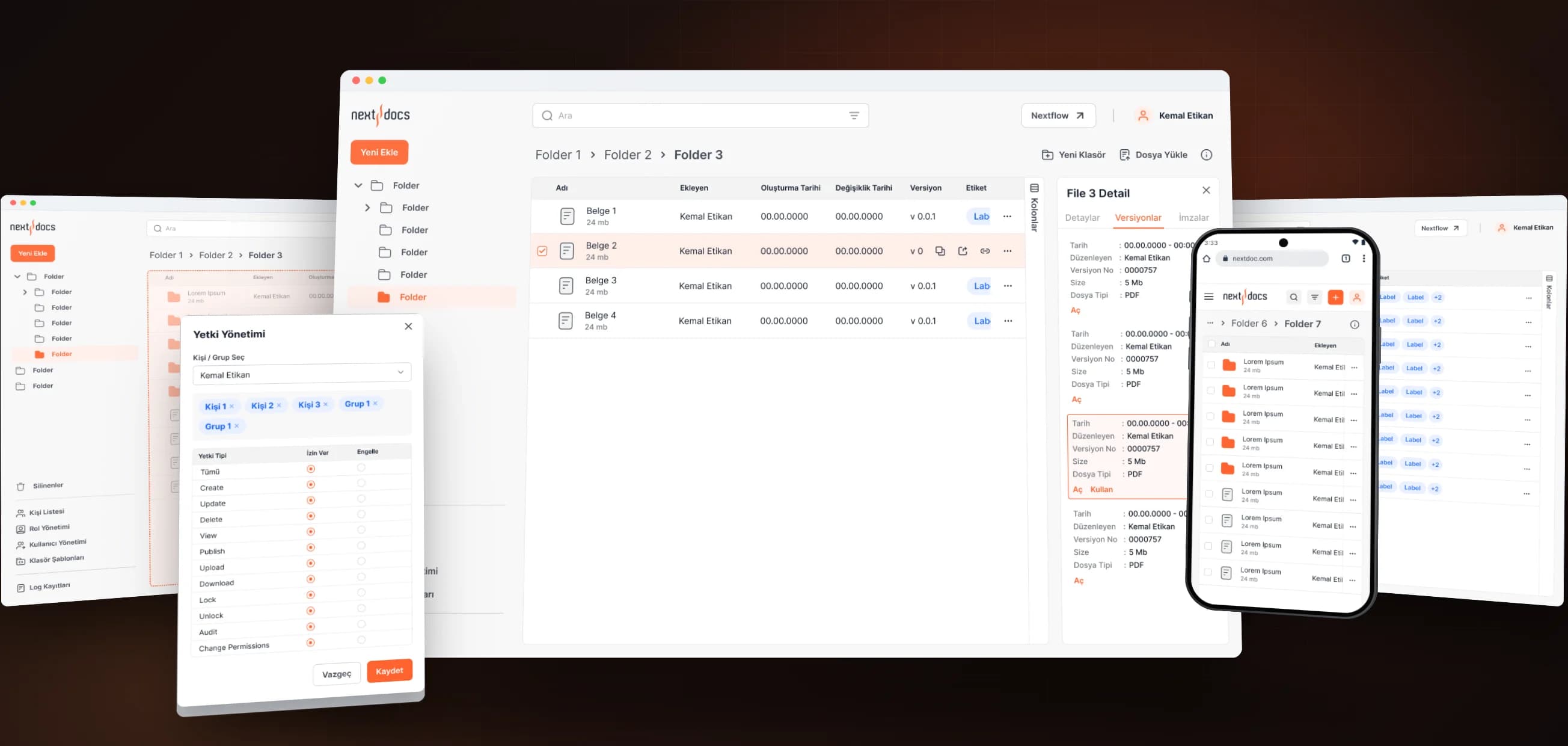
Next Docs is Eczacıbaşı Bilişim's document management system: one place where a company keeps everything from contracts to procedures, open only to the right people. Our aim was to make a tool people use all day feel as familiar as a file explorer and as accountable as an enterprise system.
Files and versions
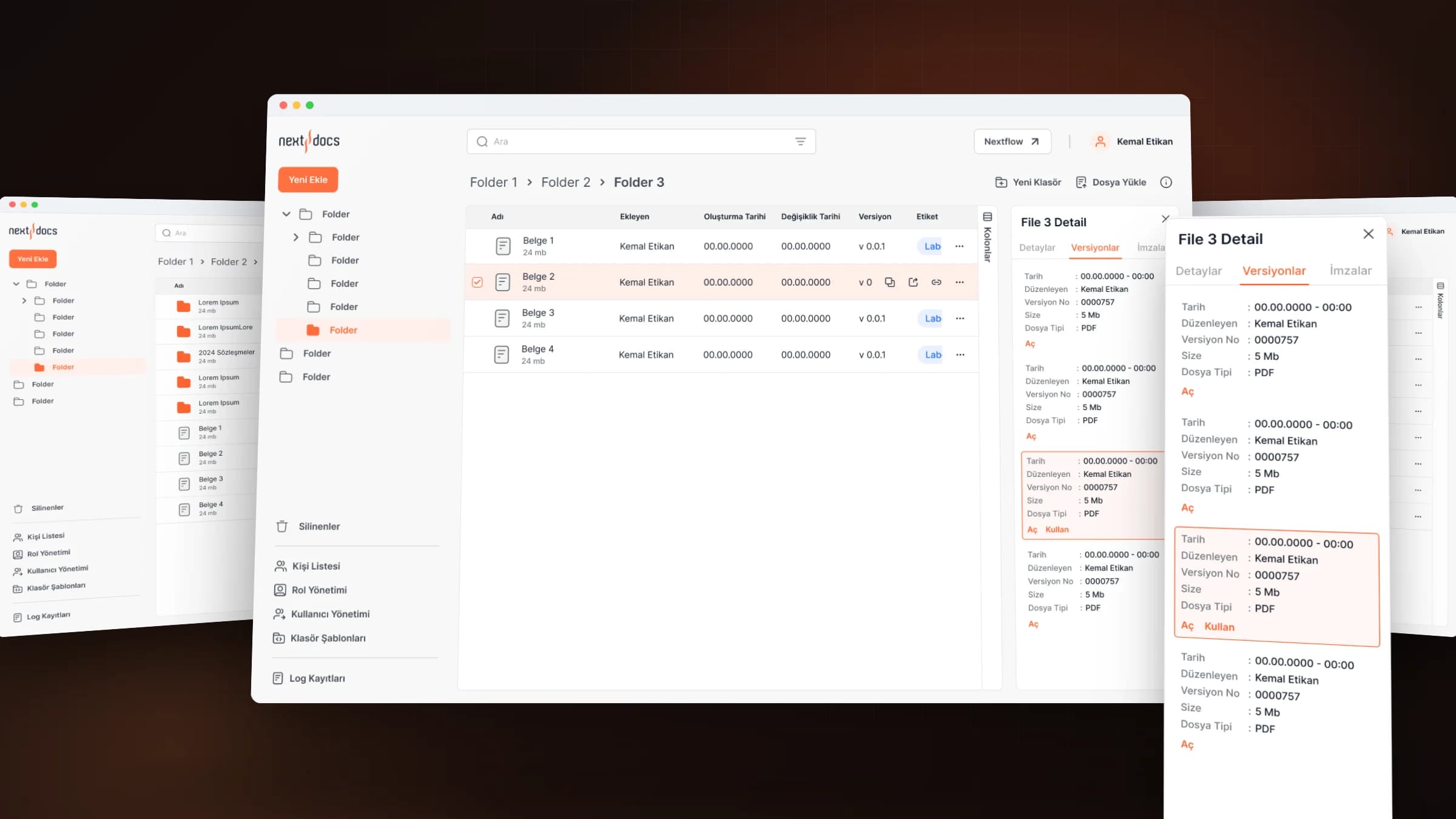
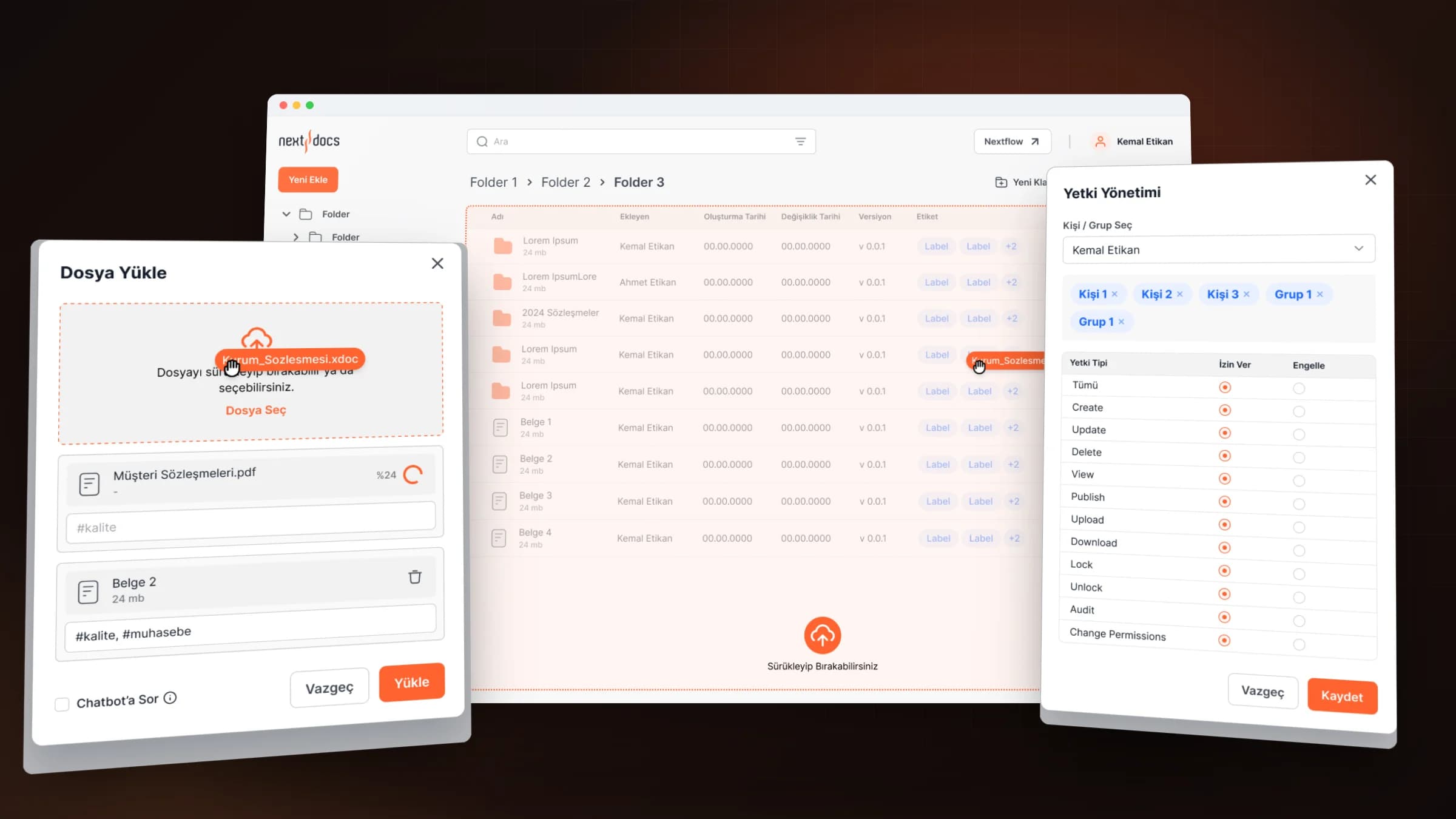
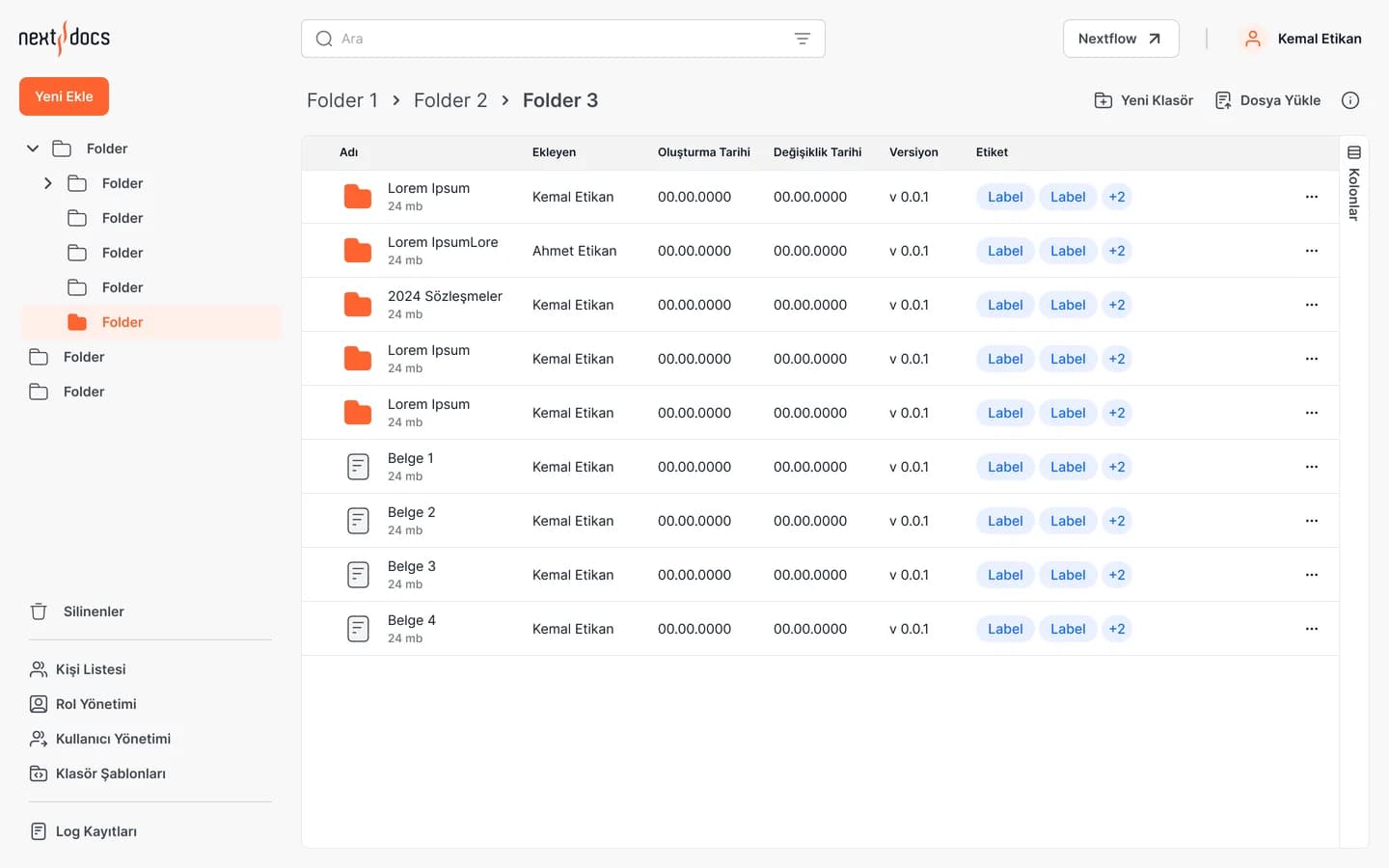
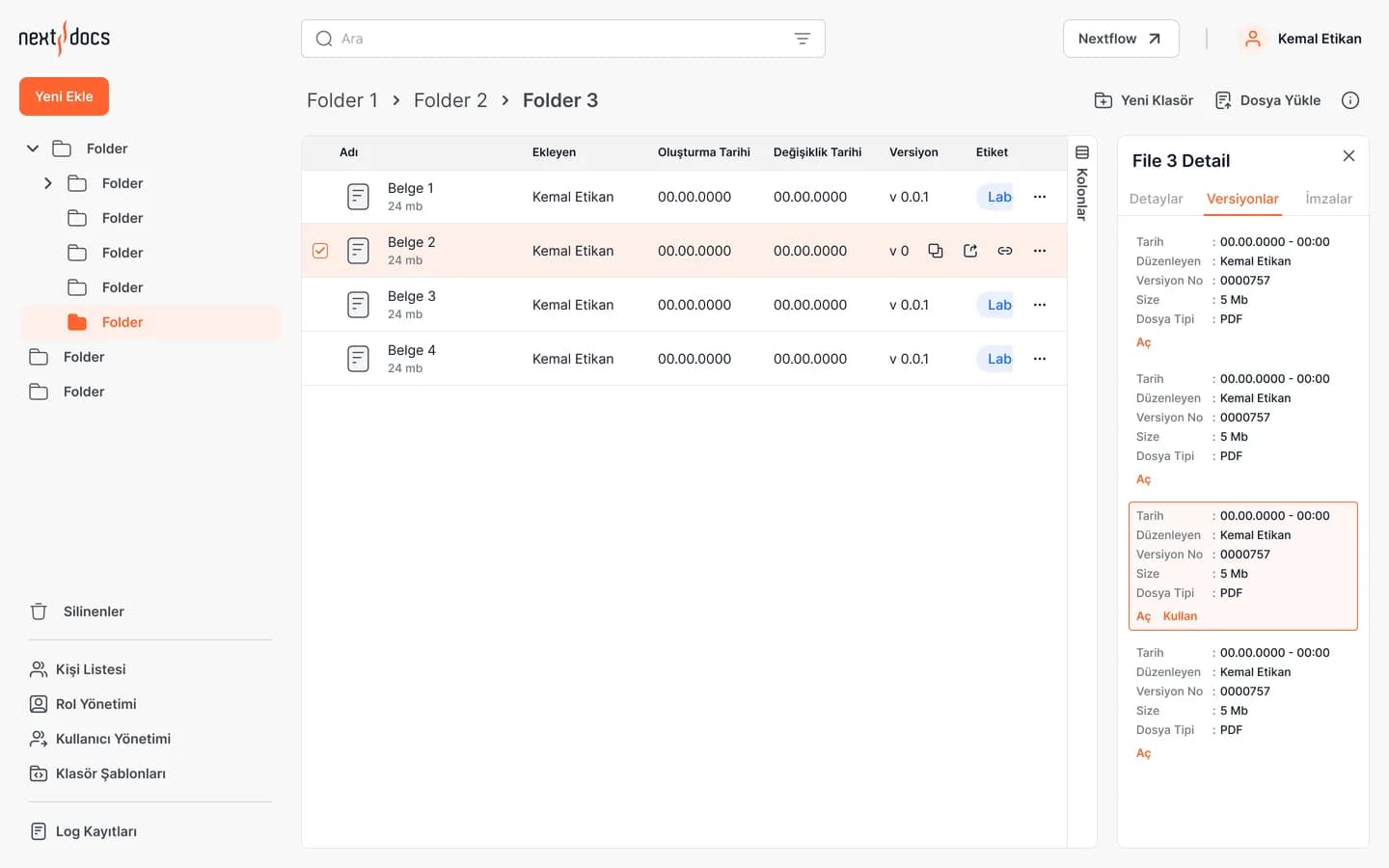
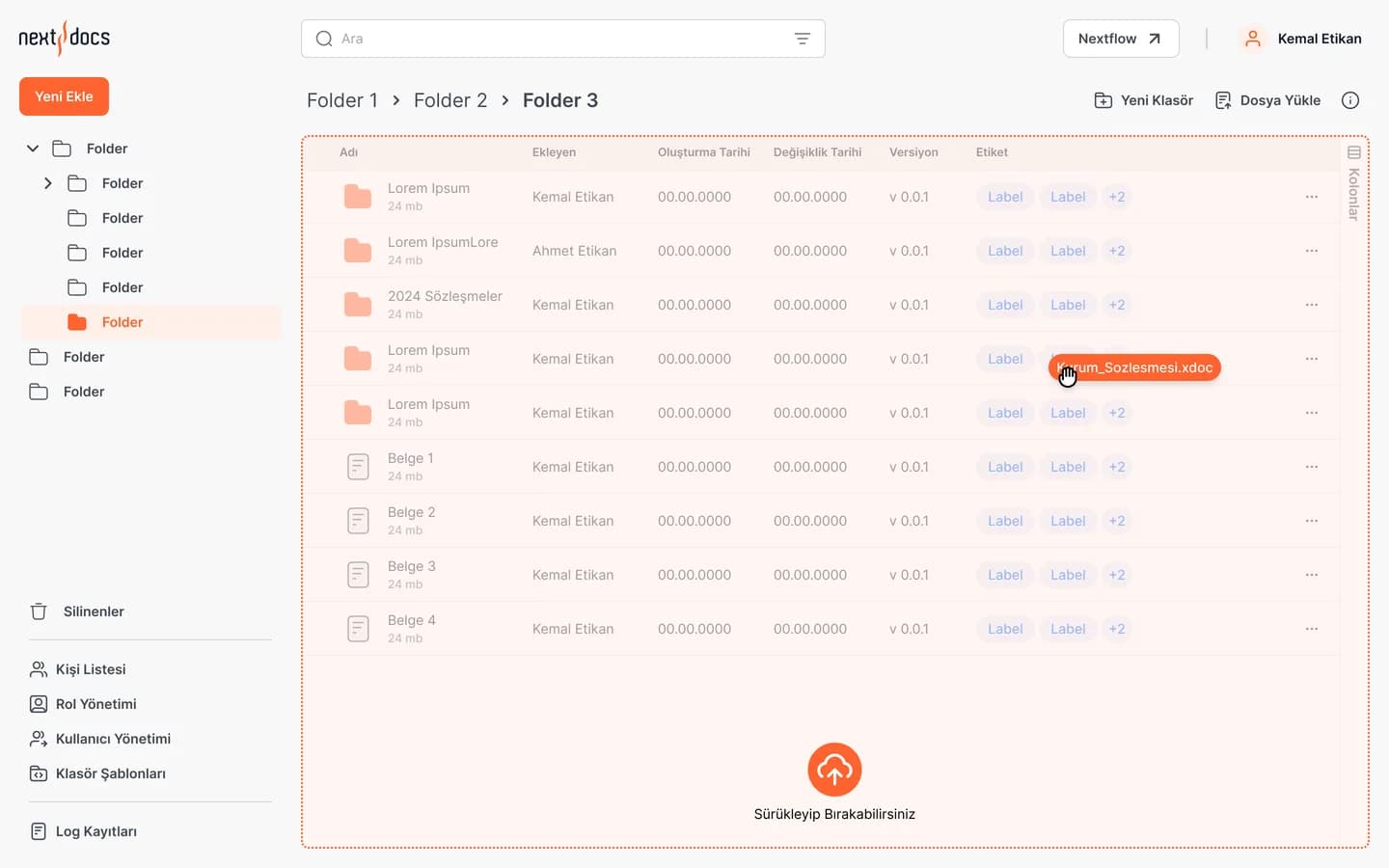
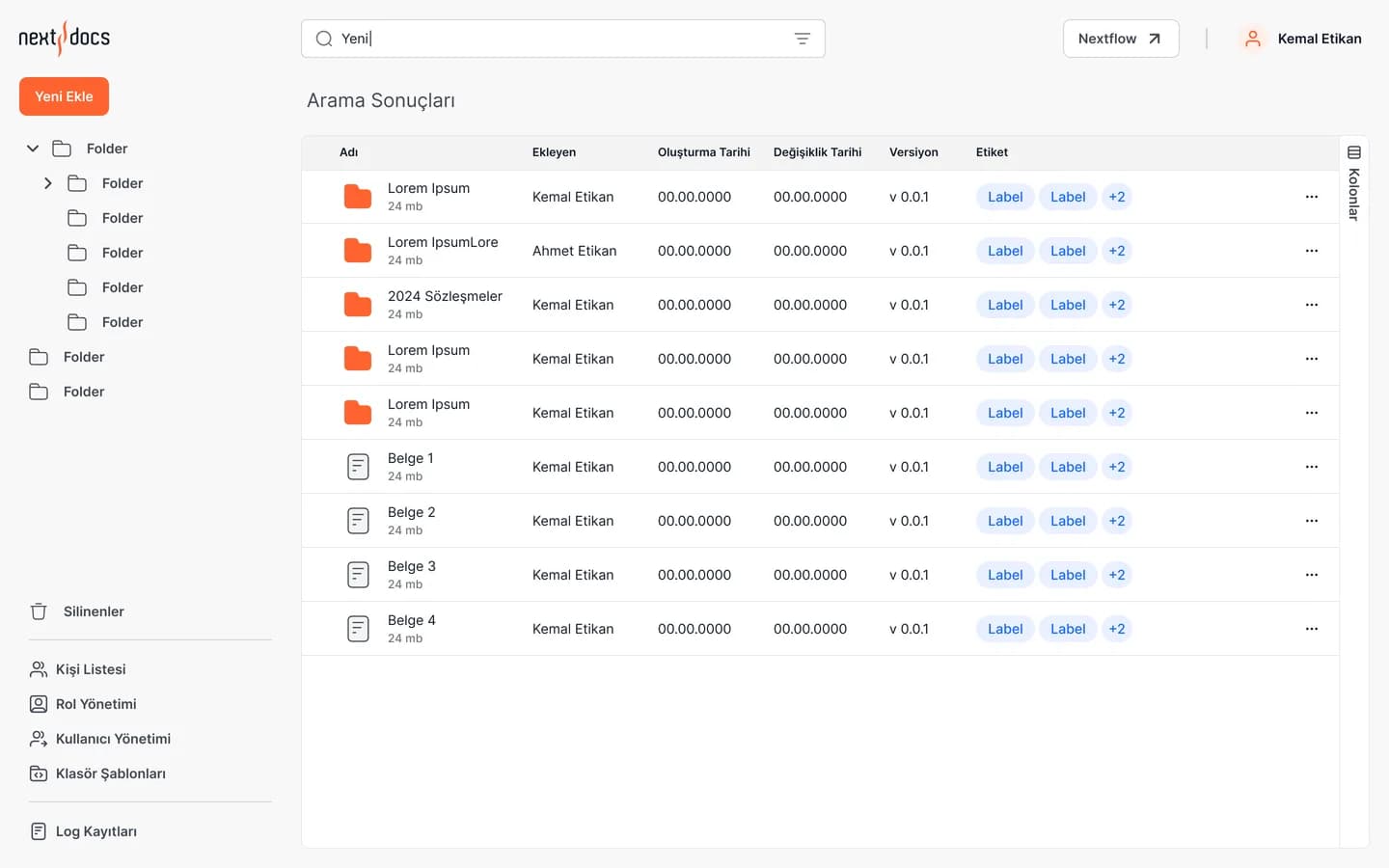
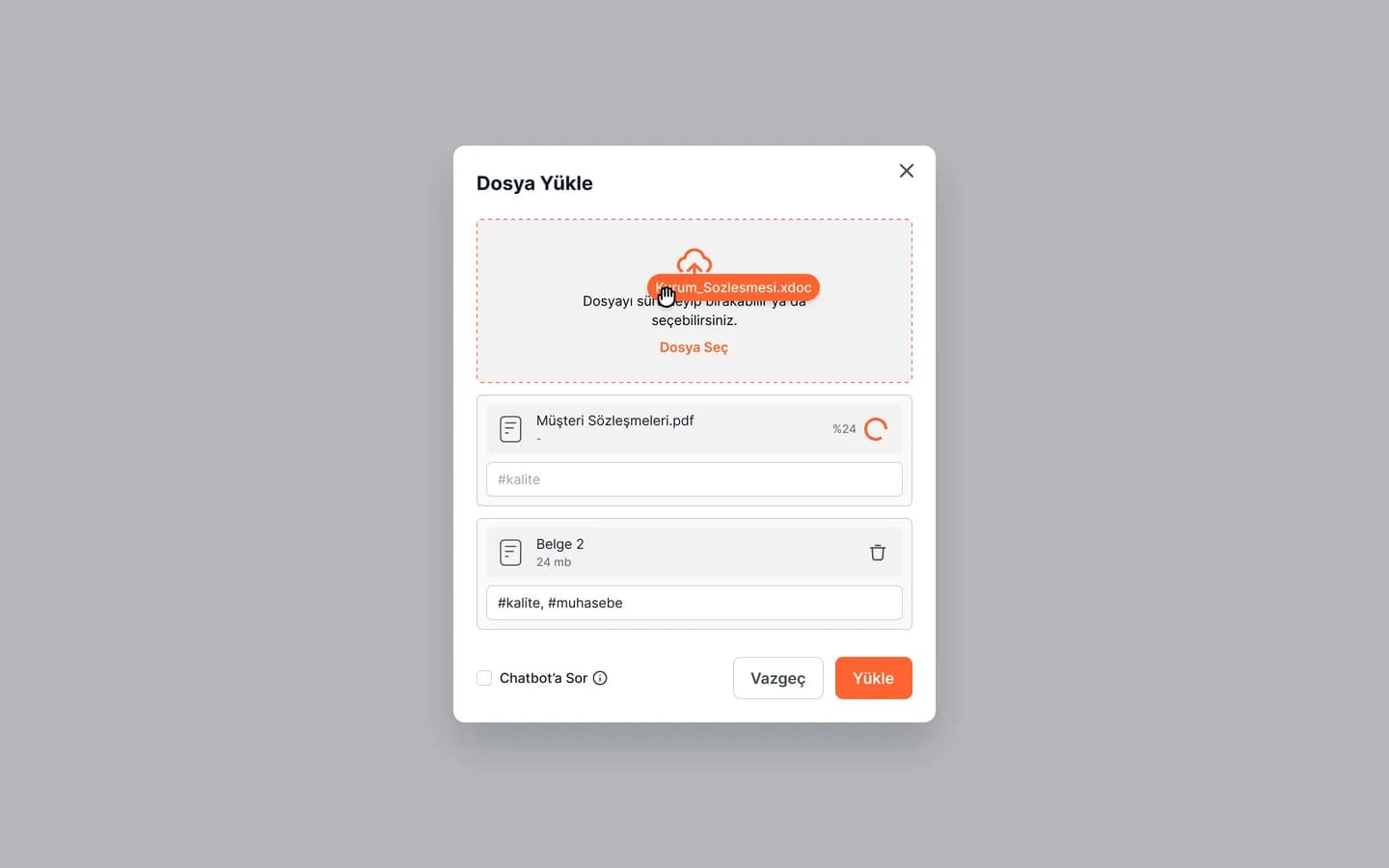
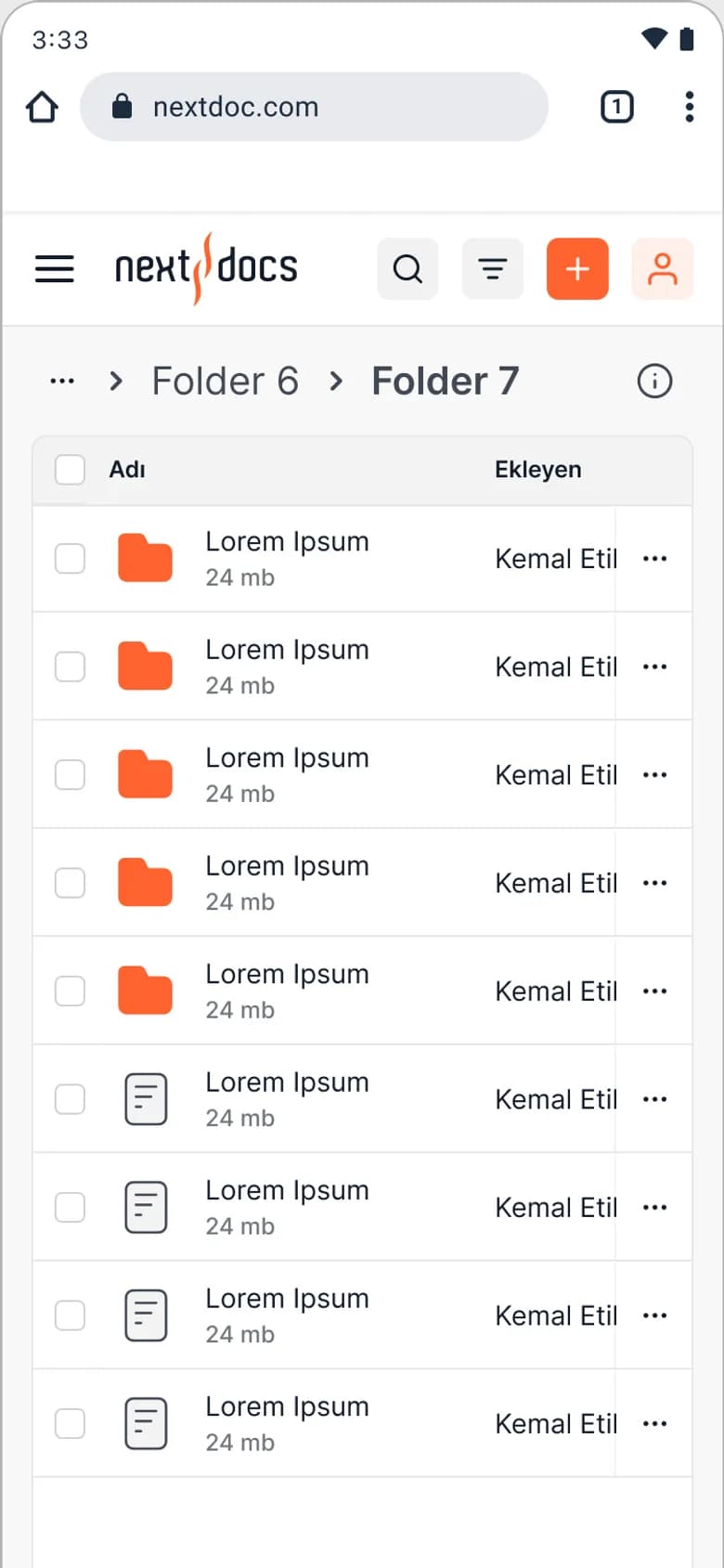
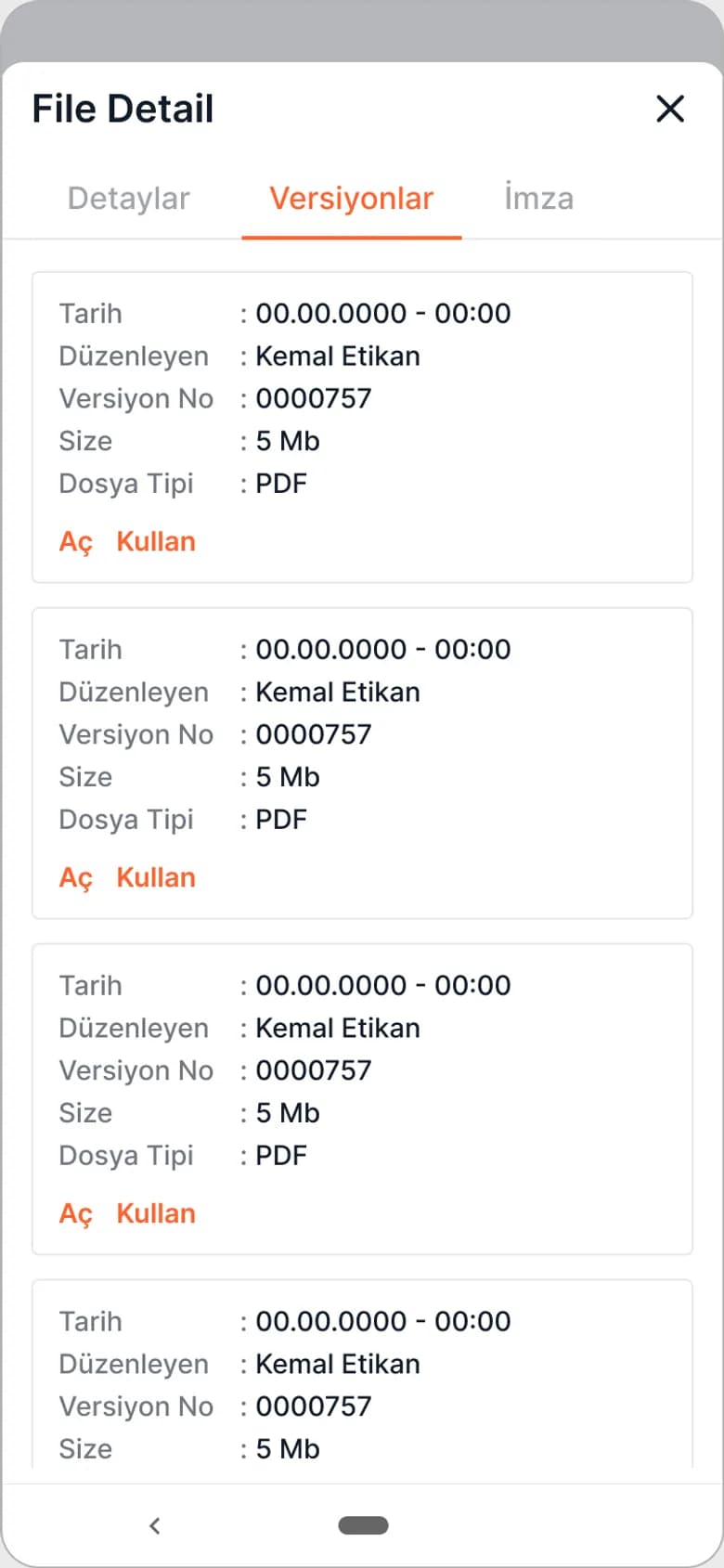
The folder tree, the content list and a detail panel share one screen. The panel holds each file's versions, signatures and related files, and an older version opens or comes back into use in one click. Files are dropped in, tagged as they upload, and pick up their key data, such as parties, contract dates and payment terms, from folder templates.
Access and audit
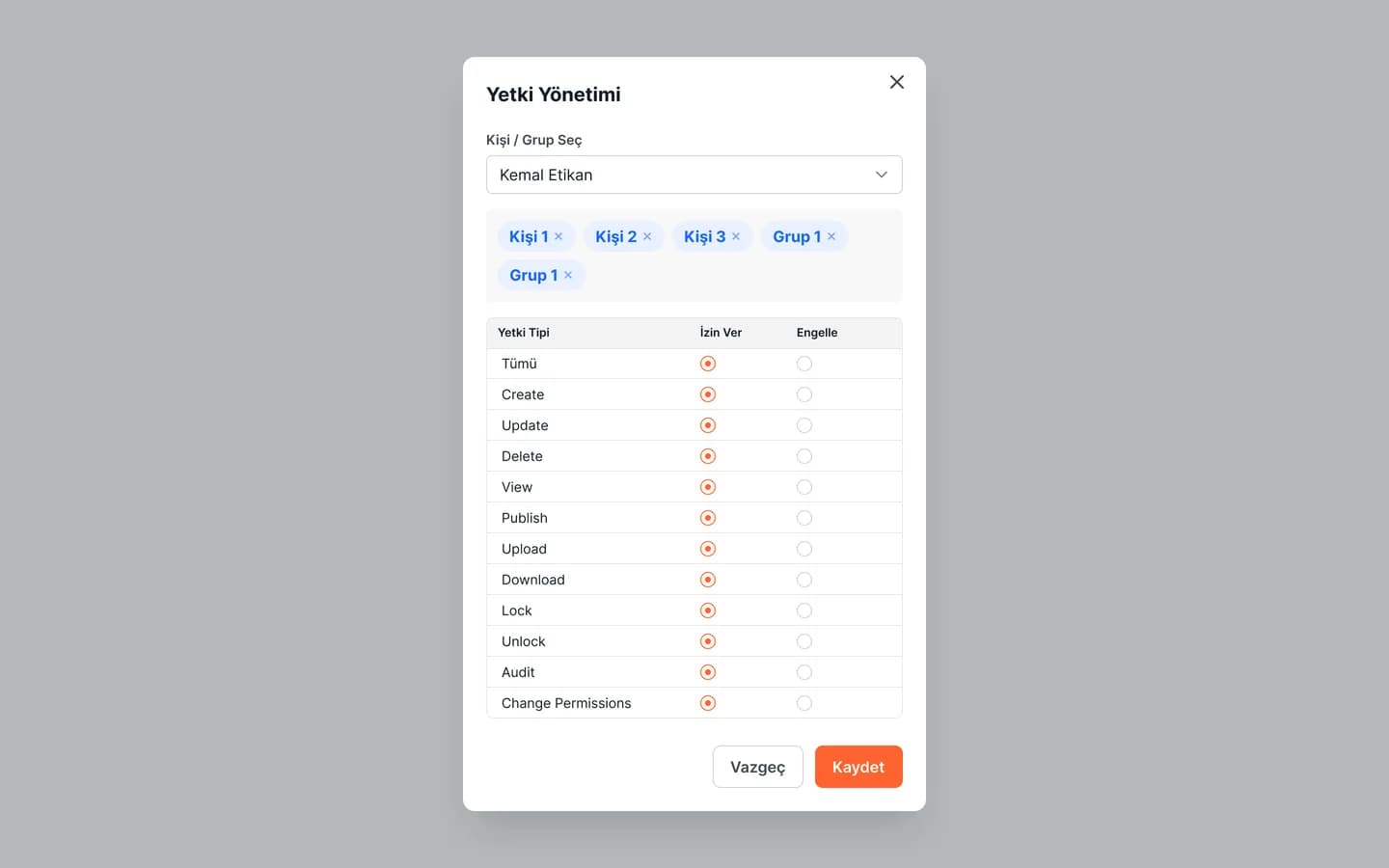
Every folder and file can be given eleven separate permissions per person or group: view, upload, download, publish, lock, audit and more. Role management, user lists and a log that keeps the old and new value of every change make the system accountable. A document assistant that answers questions about a file is part of the upload flow.
UI kit
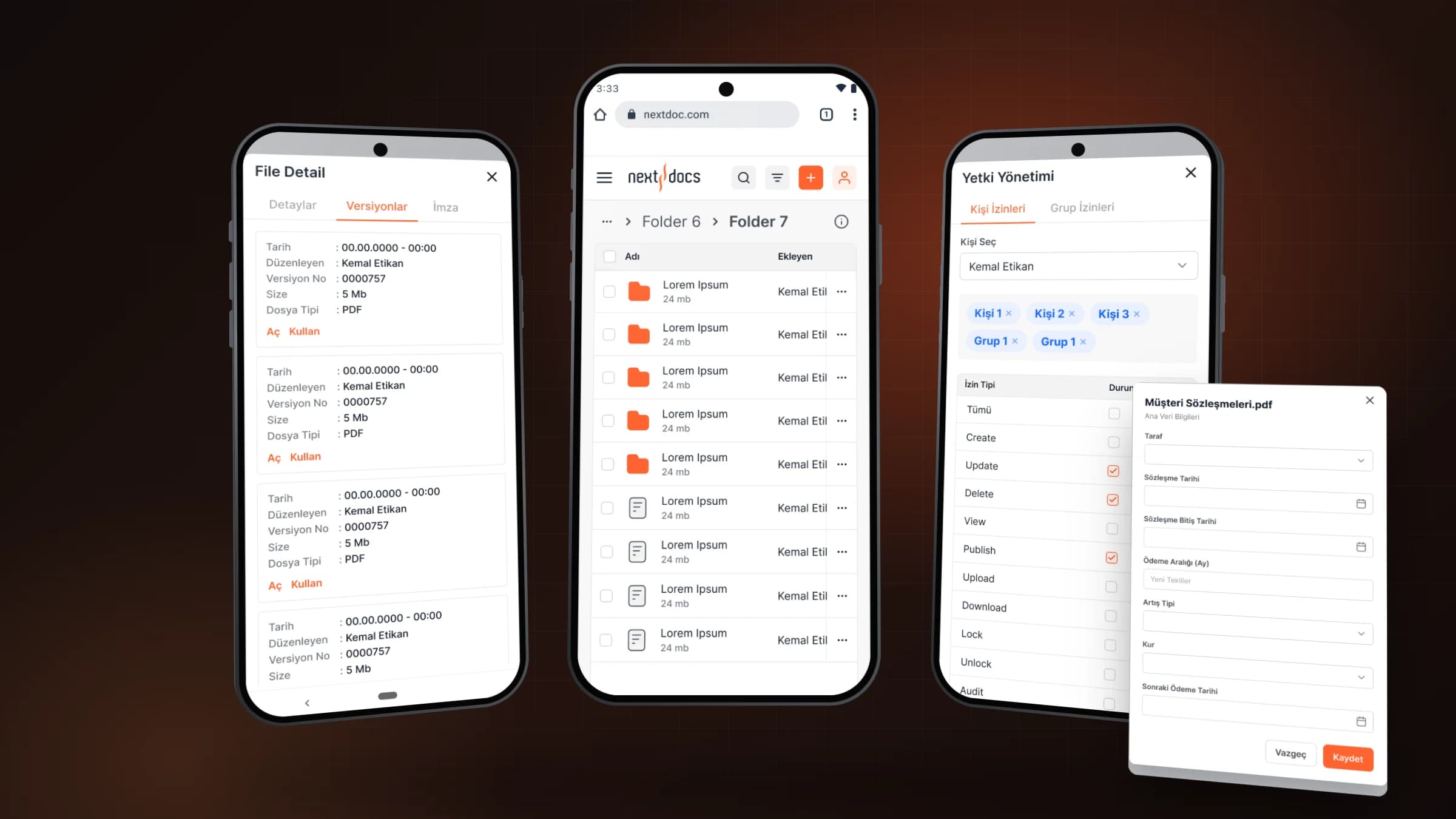
Every screen sits on the Next Docs UI kit: colour, type, twenty icon sets, spacing and grid rules, nineteen component pages from buttons to tables and eleven modules such as menus, dialogs and charts. The kit also covers workflow screens like task lists and request forms, and every desktop screen has a mobile web counterpart.
94
desktop and mobile web screens
30
component and module pages in the UI kit
11
permissions per person or group
Flows
Screens
Mobile web
Files
Versions
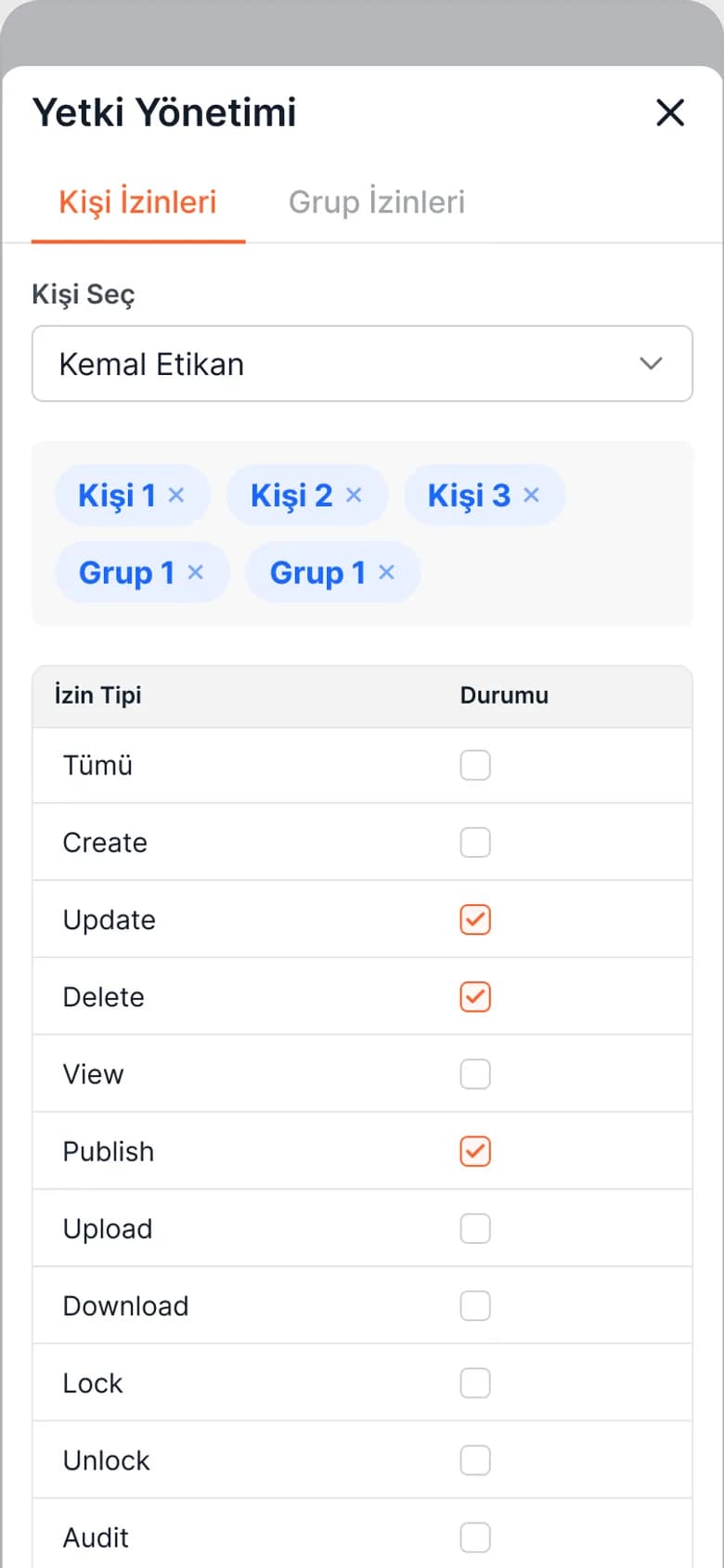
Permissions
More projects
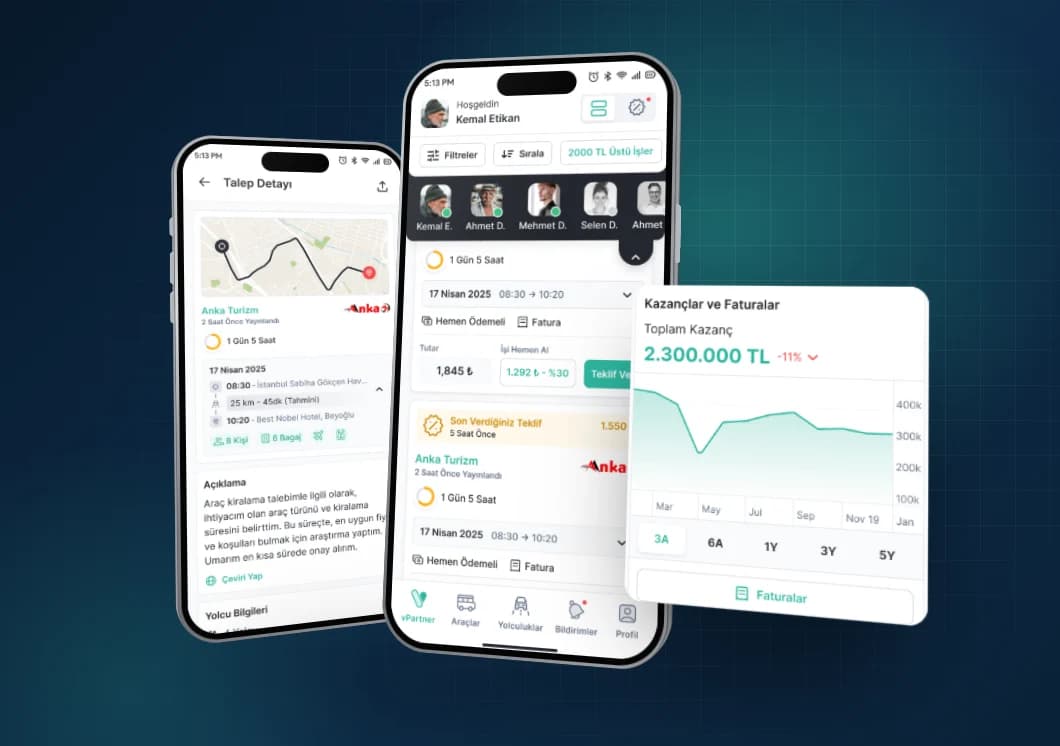
Vita Partner · Mobile
Vita Partner
A mobile app where transport suppliers manage their vehicles, drivers, trips and earnings.

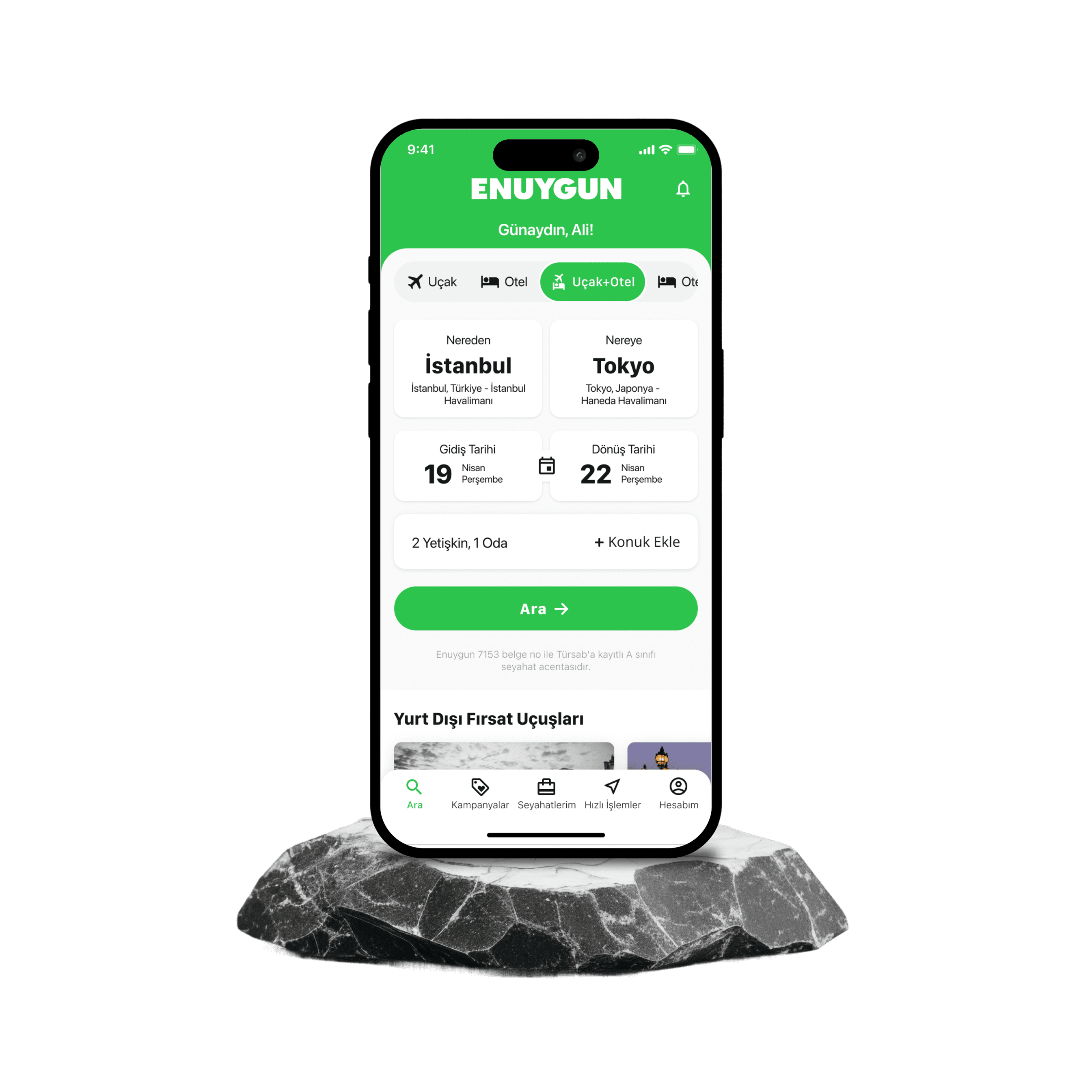
Enuygun · Mobile
Enuygun App
Enuygun is a user-friendly travel platform that simplifies the process of searching for and purchasing flight tickets.
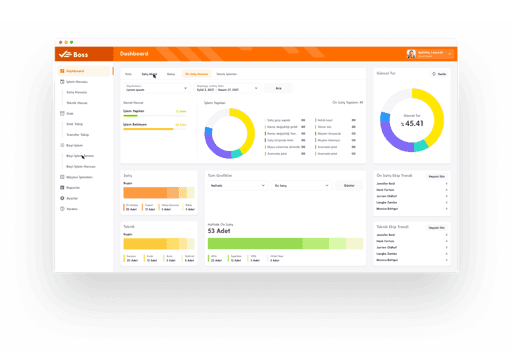
Turkcell · Web
BOSS
The service design of Turkcell's BOSS application has been completely renewed to ensure end-to-end tracking of the sales process.